Per-app permission
Newer Android grants the permission to the specific app doing the installing, which is safer than a device-wide switch.

Download · Android APK
One button, one permission, one confirmation. Below you will find the full walkthrough, what to do when Android objects, and an honest account of what the P77 app asks for and why. Free to install — you can look around the whole lobby before funding anything.

Point your phone camera at this code and the same official download opens on the device that actually needs the app. No emailing links to yourself.
Before you start
No surprises. This is the package, the requirements and the permissions it will ask for, written out before you tap anything.
| Application | P77 Game (commonly searched as P77 apk or P77 app) |
|---|---|
| Package type | Android APK, distributed directly by the partner platform |
| Approximate size | About 52 MB on download; allow ~300 MB free for cached game assets |
| Minimum Android | Android 6.0 (Marshmallow) or newer |
| Recommended device | 3 GB RAM or more for smooth live tables |
| Cost to install | Free — no payment required to register or browse |
| Interface language | English, India-facing |
| Currency | Indian Rupee (₹), UPI and net-banking cashier |
| Updates | In-app prompt — not through Google Play |
| Age requirement | 18 years and above, strictly |
If a build asks for contacts, SMS or call-log access, it is not the official app. Cancel the install and delete the file.
Installation
Deliberately uncluttered. Each card is one action — if a step does not match what your phone is showing, the troubleshooting section below covers the difference.
Use any download button on this page. The link opens the partner platform and the APK begins fetching straight to your phone — no mirror, no downloader wrapper, no ad interstitial.
Android 8 and above will ask once whether this browser may install apps. Tap Settings in that dialog, enable “Allow from this source”, then press back. You can switch it off again afterwards.
Open your browser’s Downloads list and tap the APK. Opening it from the downloads list rather than the notification shade avoids the most common “nothing happens” problem.
Review the permissions summary and confirm. Installation takes a few seconds and the P77 app lands on your home screen with its own icon and built-in updater.
Sign up with an Indian mobile number, verify the OTP, then open the promotions panel to read the welcome package conditions before you opt into any stage of it.
Once you are in
₹10,000
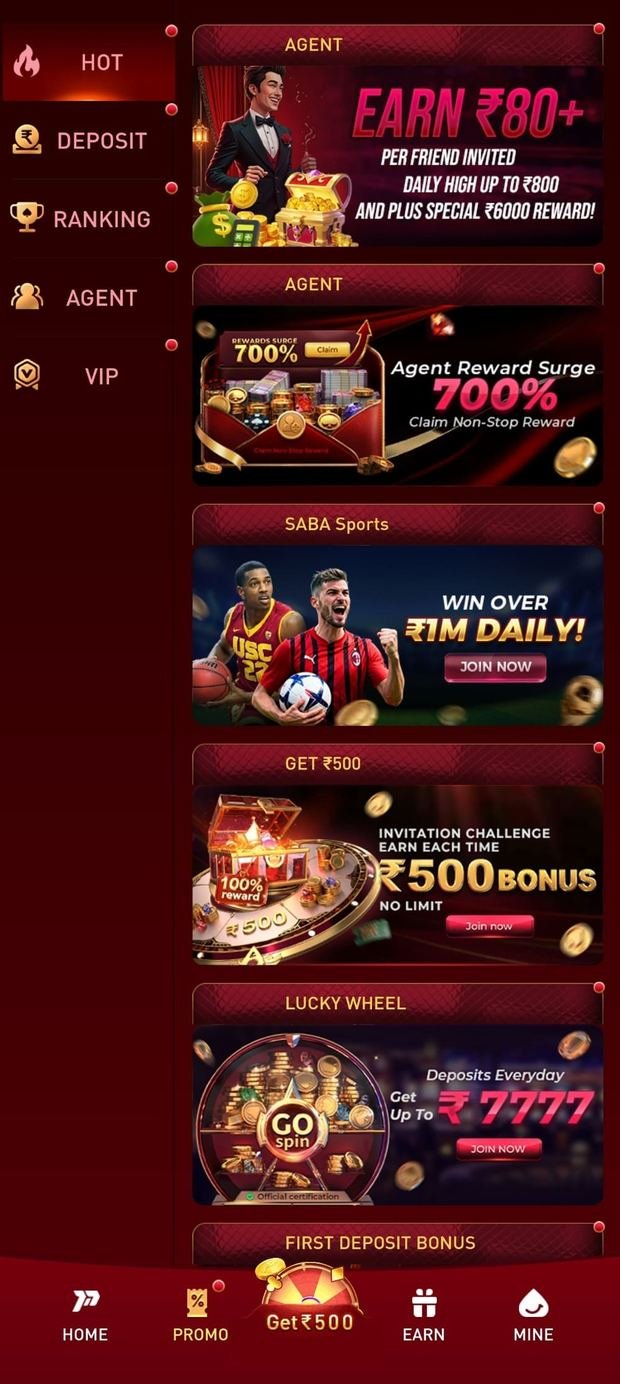
Released in stages against your opening deposits, not paid as one lump sum. Each stage has its own wagering requirement, eligible-game list and expiry window, all published inside the app before you opt in.
Bonus terms are set by the operator and change without notice. Nothing here guarantees a payout, a win or a return. 18+ only.
Safety
Installing outside the Play Store is routine for this category. Doing it safely comes down to six habits.
The button points at the operator that publishes the build. We never re-host the file, never wrap it in our own downloader and never add an intermediate ad page.
The download runs over HTTPS end to end. If your browser ever warns about the connection during a download, stop and tell us — do not install the file.
Leave Google Play Protect enabled. Android scans side-loaded packages after installation, and there is no reason to disable that for a legitimate app.
Any file promising unlimited coins, guaranteed results or a “hacked” balance is not from the operator. It will not connect to a real account and it frequently carries malware.
Accept the in-app update prompt rather than hunting for a newer APK online. That keeps you on a build the operator has actually signed.
If any part of this feels wrong, ask before you install. The Telegram group exists precisely so that nobody has to guess their way through a warning dialog.
A note on “P77 mod apk” results. There is no modified build that adds balance, removes the house edge or predicts an outcome. Those files exist to harvest credentials and card details from people hoping otherwise. The official app is the only one that connects to a real account.
After install
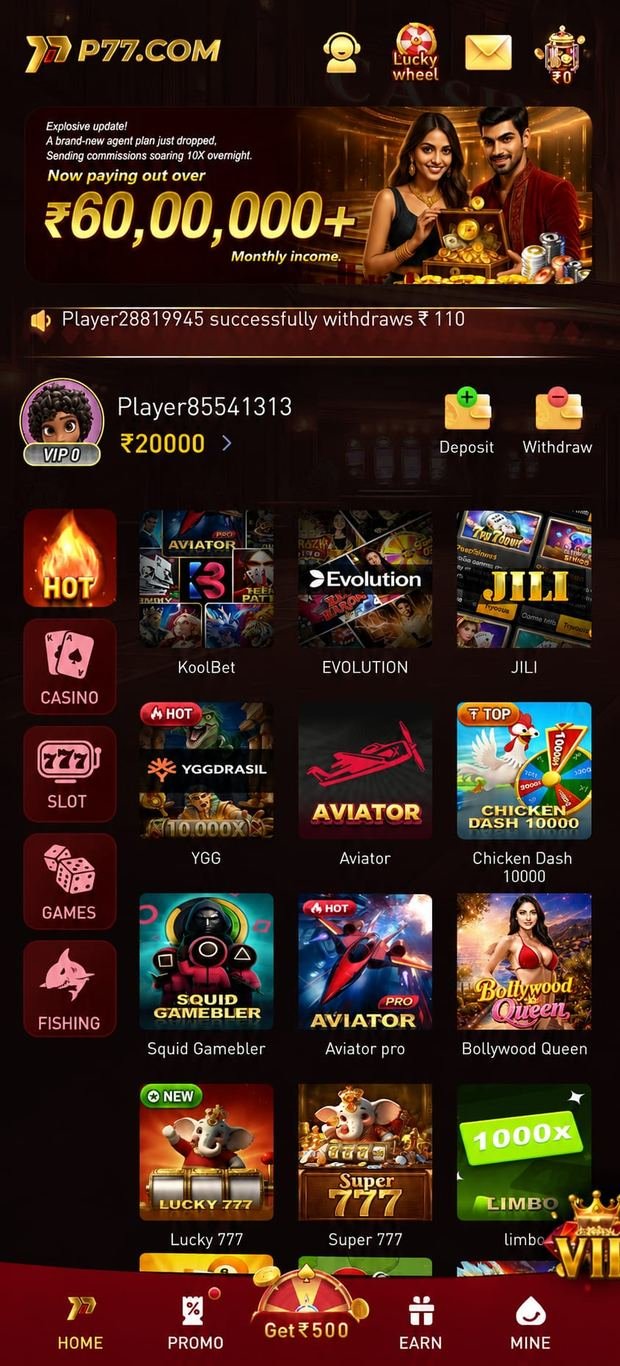
Seven game families sit behind one wallet, so switching format never means switching app or moving a balance around.
Classic Teen Patti, 20-20 and Joker variants alongside Andar Bahar, Dragon vs Tiger and Cricket War — the formats most Indian players already know the rules for.
Streamed roulette, blackjack and baccarat with human dealers, plus game-show style tables. Best on Wi-Fi, but they degrade gracefully on mobile data.
Crash rounds, Mines, Plinko, Hi-Lo and Tower Tumble. Rounds resolve in seconds, which makes them the natural fit for a short break rather than a long session.
Aim-and-shoot arcade titles with shared tables. Lighter in tone than the card rooms and a common entry point for players new to the app.
Keno-style number draws and bingo rooms with scheduled rounds — slower paced, and easy to dip into while doing something else.
A library over a hundred titles deep, from classic three-reel machines to cluster-pays and megaways-style formats, plus cricket and football themed reels.
Troubleshooting & FAQ
Ten questions covering every failure we have actually been asked about in the support group.
Google Play does not distribute real-money gaming apps of this type in India, so the operator publishes the P77 apk directly instead. That is a store policy consequence rather than a signal about the app. What matters is that you take the file from the operator rather than a re-hosted mirror — which is exactly what every button on this page does.
This is the standard prompt on Android 8 and above, and it is expected. Tap Settings in that dialog, switch on Allow from this source for the browser you downloaded with, then press back. The install will continue. You only need to do this once per browser, and you can switch the permission off again afterwards.
Open your browser’s Downloads list rather than the notification shade and tap the file there. If it still will not open, the download was probably interrupted — delete the file, reconnect to a stable network and download again. A partial APK is the most common cause of a file that appears to do nothing.
Three usual causes. First, an older copy of the app is already installed — uninstall it and try again. Second, storage is too tight; free up around 300 MB and retry. Third, the file is damaged from a broken download, so fetch a fresh copy from the current link. If none of those clears it, the Telegram support group can walk you through it.
Side-loading is safe when the file comes from the publisher. Keep Google Play Protect switched on so Android scans the package after installation, check that the download happened over a secure connection, and never install a build advertised as a “mod”, “hack” or “unlimited” version — those are not published by the operator and frequently carry malware.
Budget roughly 52 MB for the initial package and a little more once game assets cache on first launch — around 300 MB of free space makes for a comfortable install. Android 6.0 or newer is required; anything from the last several years will run it. A mid-range phone with 3 GB of RAM handles the lobby and live tables without trouble.
The APK is Android-only. iOS users and desktop players are routed by the partner platform to a mobile web version that runs in Safari or Chrome with no install required — you lose the home-screen icon and push notifications but the games and the cashier are the same. If a native iOS build appears we will announce it on the news channel.
The app checks for updates itself and prompts you when a newer build is available — accept that prompt rather than looking for a file elsewhere. Because the app is outside the Play Store it will not update through Google. If you ever need a clean reinstall, return to this page for the current link instead of reusing an old APK saved on your phone.
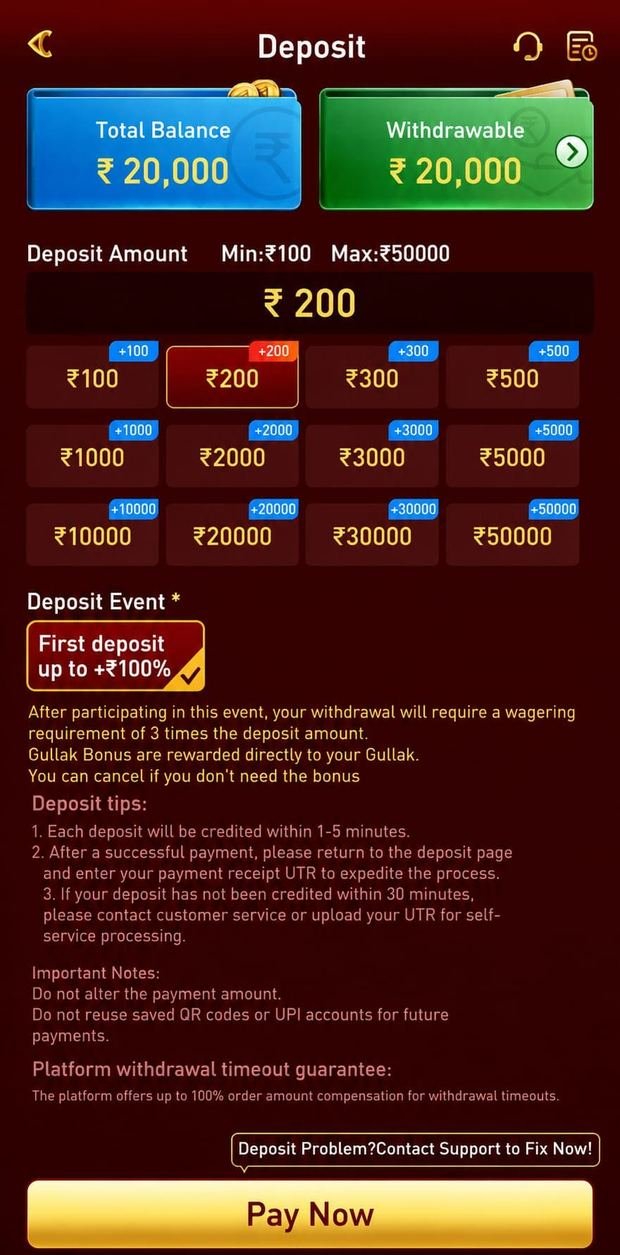
The download and the account are free. You can register, look through the full lobby and read the promotion terms before funding anything. A deposit is only required when you want to play a real-money round or claim a deposit-linked stage of the welcome package.
It is a package worth up to ₹10,000, released in stages against your opening deposits rather than paid as one lump sum. Each stage carries a wagering requirement, a list of eligible games and a time limit. The operator sets and revises these terms, so read the live conditions inside the app before opting in — and treat the headline figure as a ceiling, not an expectation.
All of them get you the same file. P77 apk download, p77 game apk download, p77 download game apk, p77 all apk and plain p77 apk are different word orders for one Android package, and p77 download, p77 game download, p77 games download, p77game download, p77 app download and p7 game download describe the same action. Use the Download button at the top of this page and follow the five steps — there is no second, different file to hunt for.
Download the current file and install it straight over the app you already have. Android recognises it as an update rather than a second install, so your account, saved payment method and balance are untouched — do not uninstall first. A p77 apk update simply means the operator has published a newer build; the app also prompts you from its own home screen when one is available. If the install is refused, it is almost always a signature mismatch from a file that did not come from the operator, so re-download from this page.
It is, if what you want is the app. p77 com, p77.com, p77 . com, p77,com, p77 come, p77.cim, p 77, p.77 and p77 कॉम are all searches for the same P77 game app, and this page is the install guide for it. We are p7-7.in, an independent affiliate guide rather than the operator, so we do not run logins, deposits or withdrawals — the Download button hands you to the licensed partner platform that does.